Try any nail color combination before you commit. Nail Palette Studio lets you preview solid shades, gradients, accent nails, and luxury finishes on a realistic hand — no polish required.
Nail Palette Studio
Interactive luxury nail visualizer and color designer.
Loading layers...
Preview Any Nail Color Instantly — Without Painting a Single Nail
Have you ever spent time (and money) on a manicure, only to realize the color doesn’t look the way you imagined? You’re not alone.
Choosing a nail color sounds simple — until you’re standing in the salon staring at 200 tiny swatches on a color wheel, trying to imagine how “Blushing Rosé” would look on your nails. Not on a plastic swatch. Not on a tiny card. On actual nails.
That’s exactly why Nail Palette Studio exists.
It’s a free, easy-to-use visual tool that lets you preview any nail color — solid shades, gradient blends, luxury finishes — on a realistic hand image, in real time. No painting. No guessing. No regrets.
Whether you’re a nail salon owner, a beauty blogger, a bride-to-be, or someone who simply loves doing their own nails at home — this tool was made for you.
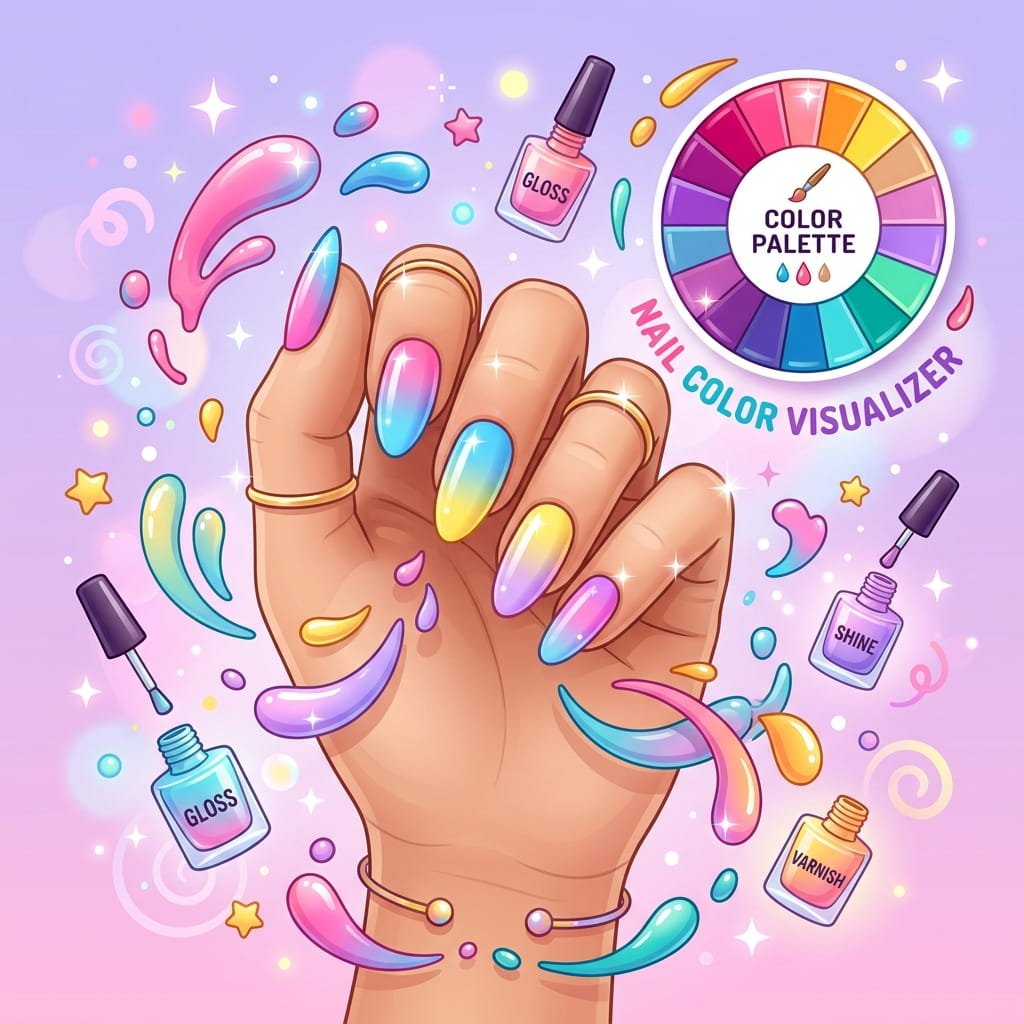
What Is Nail Palette Studio?
Nail Palette Studio is an interactive nail color preview tool that works right in your web browser.
Instead of relying on imagination or tiny swatch samples, you can see exactly how a color (or color combination) would look on a full, realistic hand — complete with natural shadows, lighting, and nail shine already built in.
Think of it like a virtual fitting room, but for your nails.
Here’s what makes it different from anything else out there:
- It doesn’t just show flat color squares. It actually applies the color to realistic nails on a high-resolution hand image, with proper lighting, depth, and reflections preserved.
- You can try gradients and ombre blends — not just solid colors.
- You can apply luxury finishes like glossy, matte, chrome, jelly, and velvet textures.
- You can add an accent nail on any finger — just like in real life.
- AI generates fashionable descriptions and hashtags for your creation — perfect for Instagram and Pinterest.
It’s fast, it’s visual, and it’s incredibly satisfying to use.
Why You’ll Love Using It
1. No More Color Regret
We’ve all been there — you pick a shade that looks gorgeous in the bottle, and then it looks completely different on your nails. Nail Palette Studio fixes that. See the exact result before you commit.
2. Save Time at the Salon
Instead of flipping through swatch books or testing colors on paper sticks, walk into your salon appointment already knowing what you want. Screenshot your creation and show your nail tech — done.
3. Explore Unlimited Combinations
Mix and match to your heart’s content. Try a deep burgundy with a chrome finish. Pair a pastel ombre with a glitter accent nail. Experiment freely — there’s no cleanup involved.
4. Perfect for Special Occasions
Planning your wedding nails? Homecoming? A holiday party? Use Nail Palette Studio to try dozens of combinations from your couch. Share screenshots with your bridal party or friends and vote on the best one.
5. Built for Social Media Creators
If you create beauty content — on Instagram, TikTok, Pinterest, or YouTube — this tool is a goldmine. Preview nail looks, generate AI-powered captions and hashtags, and export polished Pinterest Pin graphics in seconds.
Key Features — Everything You Can Do
Curated Color Collections
Nail Palette Studio comes loaded with curated color palettes — ranging from soft nudes and rosy pinks to bold reds, deep moody tones, and everything in between.
Each palette is thoughtfully organized so you can browse by mood, season, or aesthetic. Simply click any swatch, and see it instantly applied to the nails.
Gradient & Ombré Mode
This is where it gets really fun. Switch from Solid to Gradient mode with a single tap.
Choose from 8 beautiful preset gradients — like Sunset Blush, Ocean Mist, and Lavender Dream — or build your own custom gradient by picking a start color, end color, and direction:
- Cuticle to Tip (vertical)
- Left to Right (horizontal)
- Diagonal Glow
Ombré nails are one of the hottest trends in nail art right now, and this tool lets you preview them effortlessly.
Pro Tip: If you want to customize your sunset ombré shades for your next getaway, test your gradients in the studio first, and then explore these gorgeous summer beach nail designs for tropical art inspiration.
Accent Nail Selector
Want one finger to stand out? Toggle the Accent Nail option and choose which finger gets the spotlight — thumb, index, middle, ring, or pinky.
Give your accent nail a completely different solid color or gradient. It’s the easiest way to preview the trending “pop of color” look that’s all over Instagram.
Five Luxury Finish Effects
Color is just the beginning. Nail Palette Studio lets you apply realistic surface finishes that completely change the vibe:
| Finish | What It Looks Like |
|---|---|
| Glossy | Classic high-shine, wet-look nails |
| Matte | Smooth, velvety, no-shine finish |
| Chrome | Metallic mirror-like reflections |
| Jelly | Translucent, syrup-like depth |
| Velvet | Magnetic-style radial ring texture |
Each finish is rendered with realistic blending — it actually looks like a different surface coating, not just a filter.
AI-Powered Descriptions & Hashtags
Once you’ve designed your perfect nail look, the built-in AI assistant automatically generates:
- A fashionable, ready-to-post caption describing your creation
- Trending hashtags optimized for beauty and nail content
You can regenerate the caption with one click, copy it to your clipboard, and paste it straight into your Instagram or Pinterest post.
Note: The AI descriptions work automatically. If you prefer, the tool also includes beautifully written offline captions — so it works perfectly even without an internet connection.
Aesthetic Style Classifier
Nail Palette Studio doesn’t just show you colors — it understands them.
Based on your chosen combination, it automatically classifies your design into a style archetype:
- Clean Girl — Minimalist, glossy, natural
- Coquette Romance — Soft pinks, bows, and blush tones
- Old Money — Deep burgundies, muted golds, timeless elegance
- Gothic Luxe — Dark jewel tones, moody sophistication
- Minimal Chic — Neutral, understated, effortlessly cool
It even suggests complementary colors that would pair beautifully with your current selection. Think of it as having a personal nail color stylist built right in.
Export & Share Your Designs
When you’ve created a combination you love, you can:
- Export as Studio PNG — Download a high-resolution image of the hand with your custom colors applied.
- Save as Pinterest Pin — Generate a polished, vertical 2:3 ratio Pinterest graphic complete with color swatches, title, and hashtags. Ready to pin.
- Copy HEX Codes — Grab the exact color codes so you can match them at the salon or in your own nail art.
How to Use Nail Palette Studio — Step by Step
Using the tool is incredibly straightforward. Here’s a quick walkthrough:
Step 1: Choose a Color Collection
Start by browsing the available color collections. Each one contains a set of harmoniously matched shades. Pick the one that fits your mood.
Step 2: Pick Your Color
Click any swatch in the collection to apply it instantly. Want something specific? Use the custom color picker to dial in any shade you can imagine, or type in a HEX code directly.
Want a gradient? Switch to Gradient mode and either pick a preset blend or create your own by choosing start and end colors plus a direction angle.
Step 3: Add an Accent Nail (Optional)
Toggle the accent switch, choose which finger, and pick a contrasting color or gradient. This is optional but highly recommended — accent nails add serious personality.
Step 4: Choose a Finish
Tap through the five finish options — Glossy, Matte, Chrome, Jelly, or Velvet — to see how each one transforms your look. You’ll be surprised how much the finish changes the entire feel.
Step 5: Read Your AI Description
Scroll down to see the AI-generated caption and hashtags. If you like it, copy it. If not, hit Regenerate for a fresh one.
Step 6: Export & Share
Download your creation as a PNG, generate a Pinterest Pin, or copy the HEX codes to take to your salon.
That’s it. The entire process takes less than a minute — and you can try as many combinations as you want.
Who Is This Tool For?
Nail Salon Owners & Techs
Embed Nail Palette Studio directly on your salon website. Let clients browse and pre-select their colors before they even walk in the door. It reduces appointment time, eliminates indecision, and creates a premium digital experience that sets your salon apart.
Beauty Influencers & Content Creators
Generate stunning nail art content without needing a model, photographer, or actual manicure. Preview looks, export polished graphics, and get AI captions and hashtags — all in one place. It’s a content creation powerhouse.
Brides & Event Planners
Wedding nail planning is stressful. Try dozens of combinations, screenshot your favorites, and share them with your bridal party. Match your nails to your dress, flowers, or theme — visually, in seconds.
E-Commerce Beauty Brands
Showcase your nail polish colors in a way static product photos never could. Let customers try the color on a realistic hand before they buy. It’s the beauty equivalent of virtual try-on — and it dramatically boosts purchase confidence.
DIY Nail Enthusiasts
Love doing your own nails at home? Use Nail Palette Studio to plan your next manicure. Try new color combos, test gradient techniques, and figure out your accent nail — before you open a single bottle of polish.
Real-Life Use Cases
| Scenario | How Nail Palette Studio Helps |
|---|---|
| “I can’t decide between two colors for my wedding” | Try both instantly and compare side by side |
| “I want ombré nails but don’t know which colors to pair” | Browse preset gradients or build your own blend |
| “My client wants chrome nails — what will that look like?” | Apply the chrome finish and show them on screen |
| “I need nail content for my beauty Instagram” | Export a Pinterest Pin with AI captions and hashtags |
| “I want to try a trendy accent nail look” | Toggle accent mode and experiment with any finger |
| “I bought a polish online but I’m not sure it’ll look good” | Enter the HEX code and preview it on realistic nails |
Tips for Getting the Most Out of Nail Palette Studio
- Start with the aesthetic you want — Browse the style archetypes (Clean Girl, Old Money, etc.) and work backward to find colors that match.
- Always try at least one gradient — Even if you usually go solid, ombré previews might surprise you. The diagonal glow direction is particularly striking.
- Use the accent nail strategically — The ring finger accent is classic, but try the index or middle finger for a modern twist.
- Experiment with finishes — The same color looks dramatically different in Glossy vs. Matte vs. Chrome. Don’t skip this step.
- Copy the HEX code — When you find a color you love, copy the HEX value and bring it to your salon. Most professional nail systems can match HEX codes precisely.
- Use the Pinterest export for content — The built-in Pinterest Pin generator creates perfectly sized, beautifully formatted graphics with swatches and titles. It’s a massive time saver for content creators.
- Regenerate AI captions — The AI generates different captions each time. Hit regenerate a few times until you find one that matches your brand voice.
- Screenshot your favorites — Try multiple combinations, screenshot each one, and compare them in your photo gallery before making a final decision.
Frequently Asked Questions
Is Nail Palette Studio free to use?
Yes. The tool is completely free to use on any website that has it installed. There’s no account required and no usage limits.
Does it work on mobile?
Yes. Nail Palette Studio is fully responsive and works beautifully on phones, tablets, and desktops. The interface adapts to your screen size automatically.
Does it use AI to generate hand images?
No. This is an important distinction. Nail Palette Studio does not generate AI images of hands. It uses a real, high-resolution photograph of a hand as the base. The tool only changes the nail colors on that existing image using advanced visual compositing. The skin, shadows, lighting, and reflections are all from the real photo — making the result look incredibly natural and realistic.
Can I enter a specific color code?
Absolutely. You can type any HEX code (like #B76E79 for rose gold) directly into the tool, and it will apply that exact color to the nails. This is perfect for matching a specific brand color or a shade you found online.
What are the finish effects?
Finish effects simulate different nail surface textures. You can choose from Glossy (shiny), Matte (no shine), Chrome (metallic mirror), Jelly (translucent syrup), and Velvet (soft magnetic texture). Each one is rendered realistically on the nails.
Can I save or download my designs?
Yes. You can export your design as a high-resolution PNG image, or generate a formatted Pinterest Pin graphic ready for social media. You can also copy the HEX color codes to your clipboard.
Do I need any design skills to use this?
Not at all. The interface is designed to be intuitive and beginner-friendly. Just click colors, toggle options, and see the results in real time. If you can use a color picker, you can use Nail Palette Studio.
Can I use it on my own website?
Yes. Nail Palette Studio is a WordPress plugin that can be installed on any WordPress-powered website. Once activated, simply add a shortcode to any page or post, and the full interactive studio will appear for your visitors.
How does the AI caption feature work?
When you design a nail color combination, the built-in AI automatically writes a fashionable description and generates relevant hashtags for your creation. You can copy this text and paste it directly into your social media posts. If you don’t want to use AI, the tool includes high-quality pre-written captions as a fallback.
Is my data stored or shared?
No. Everything happens in your browser. Your color selections, designs, and exports are processed locally. Nothing is uploaded or stored on any server.
Why Nail Palette Studio Is Different
There are a few nail color tools out there. Here’s what makes this one stand out:
| Feature | Nail Palette Studio | Generic Swatch Tools |
|---|---|---|
| Realistic hand visualization | ✅ Full hand with shadows & shine | ❌ Flat color squares |
| Gradient/Ombré support | ✅ Presets + custom builder | ❌ Solid colors only |
| Finish effects (Matte, Chrome, etc.) | ✅ Five realistic finishes | ❌ None |
| Accent nail selection | ✅ Any finger | ❌ Not available |
| AI captions & hashtags | ✅ Auto-generated | ❌ Not available |
| Pinterest export | ✅ Formatted 2:3 Pin graphics | ❌ Not available |
| Style classification | ✅ Auto aesthetic archetypes | ❌ Not available |
This isn’t a toy. It’s a professional-grade visualization tool wrapped in a beautiful, easy-to-use interface.
What Users Are Saying
“I used to spend 20 minutes at the salon trying to pick a color. Now I show up with a screenshot and I’m done in 5. Game changer.” — Sarah M., Nail Enthusiast
“I embedded this on my salon website and clients love it. They come in already knowing what they want. My appointment flow has never been smoother.” — Alicia R., Salon Owner
“The Pinterest export feature alone is worth it. I create nail content in minutes now — captions, hashtags, and graphics all done.” — Mia T., Beauty Content Creator
“I was planning my wedding nails and tried over 30 combinations in one sitting. Found the perfect shade in the end. This tool is brilliant.” — Priya K., Bride-to-Be
Get Started Today
Nail Palette Studio is free, fast, and incredibly fun to use.
Whether you’re choosing your next manicure color, planning wedding nails, creating beauty content, or building a better salon experience for your clients — this tool makes the entire process effortless and visual.
Stop guessing. Start previewing.
Try Nail Palette Studio Now — Preview your perfect nail color in seconds.
Quick Summary
- What: A free interactive tool to preview nail colors on a realistic hand image
- Who it’s for: Nail lovers, salon owners, beauty creators, brides, and brands
- Key features: Solid colors, gradients, accent nails, 5 luxury finishes, AI captions, Pinterest export
- No AI images: Only recolors the nails on a real photograph — natural and realistic
- No skills needed: Click, preview, export. It’s that simple.